
Open source IPTV, done properly

Tvinto plays the Xtream or M3U subscription you already have, with a real programme guide, every copy of a film on one page and a profile for everyone at home. Free, with no account and no catch.

Android TV, Android phones and Windows. Free under GPL v3.

What's on in Tvinto

  1. A programme guide in the app

    A TV-style grid with what's on now, a mini guide inside the player, reminders and catch-up.
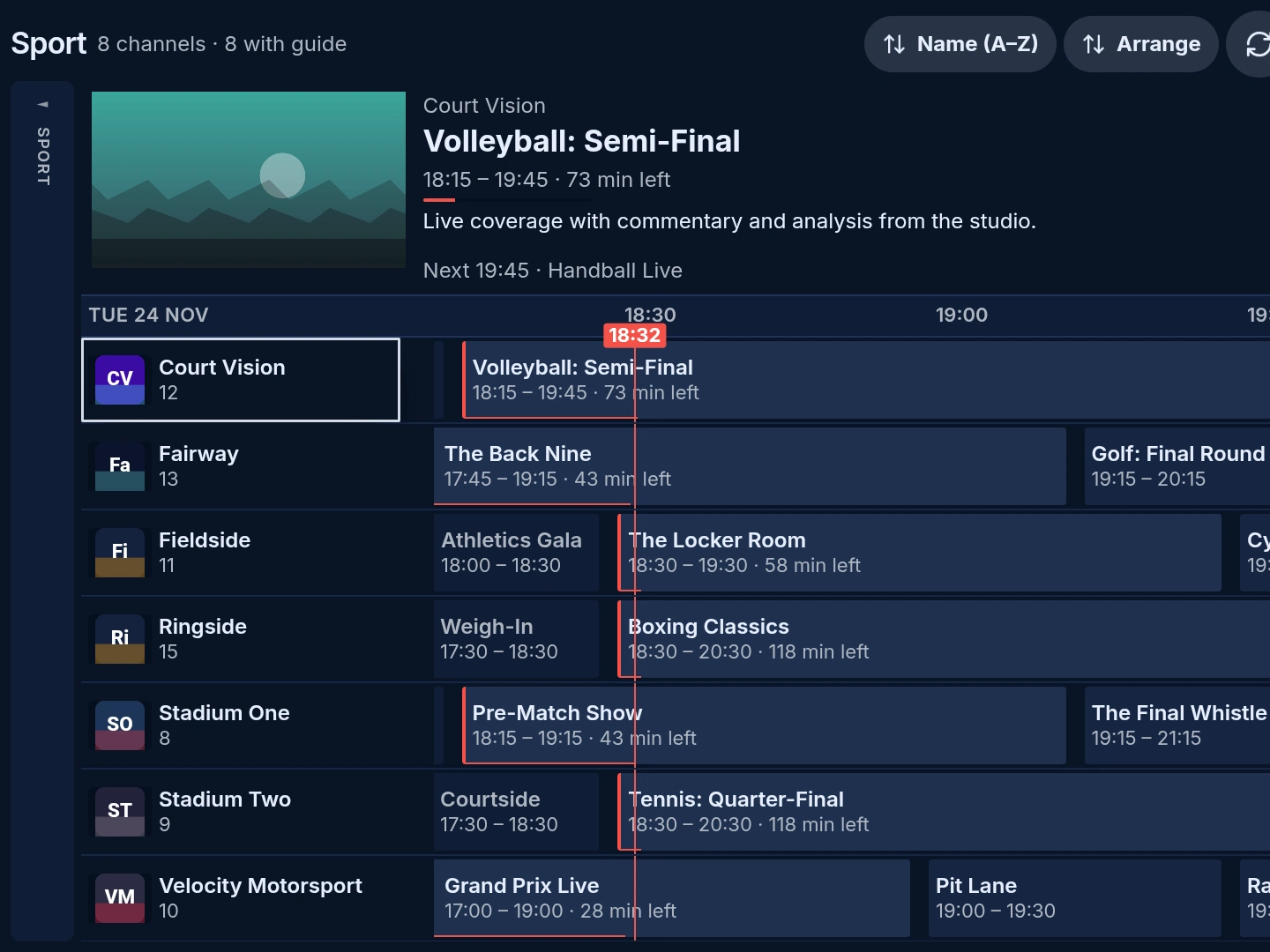
    The Sport guide on Android TV, with a channel's preview playing above what is on now
  2. Every copy of a film on one page

    Providers list a film once per language and quality. Tvinto groups them and plays yours first.
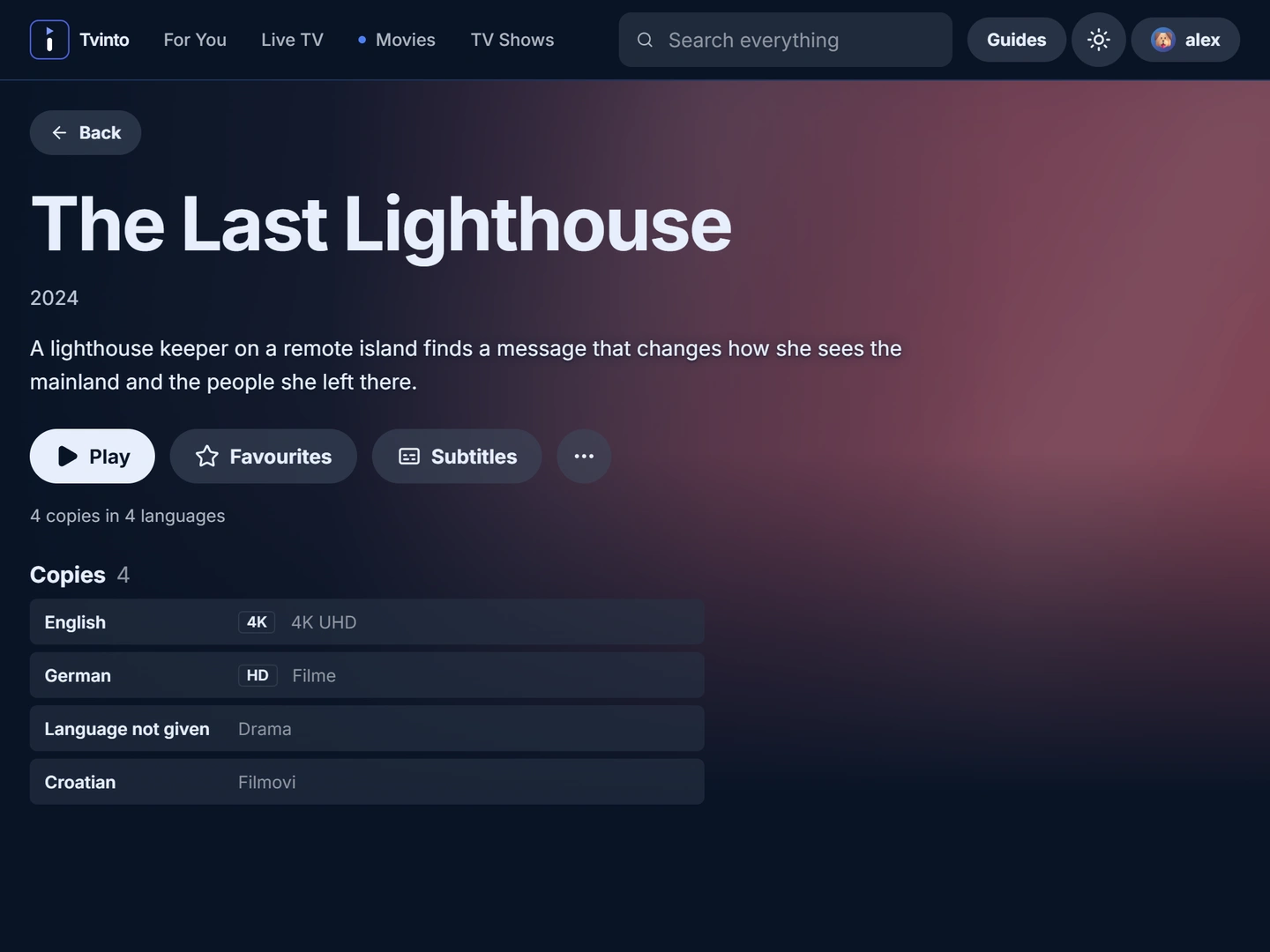
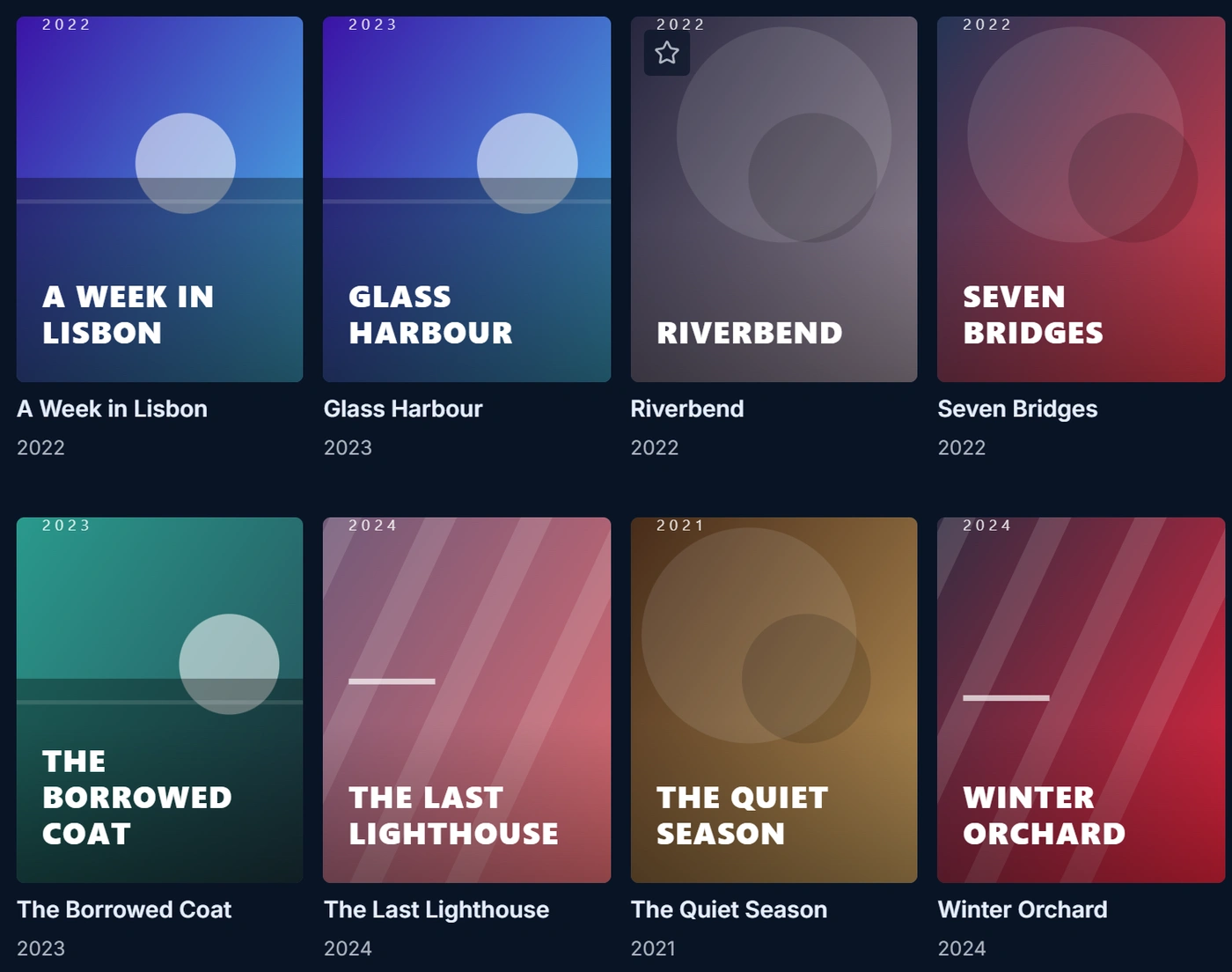
    The Last Lighthouse with four copies: English 4K, German HD, Croatian and one with no language given
  3. Channels change inside the player

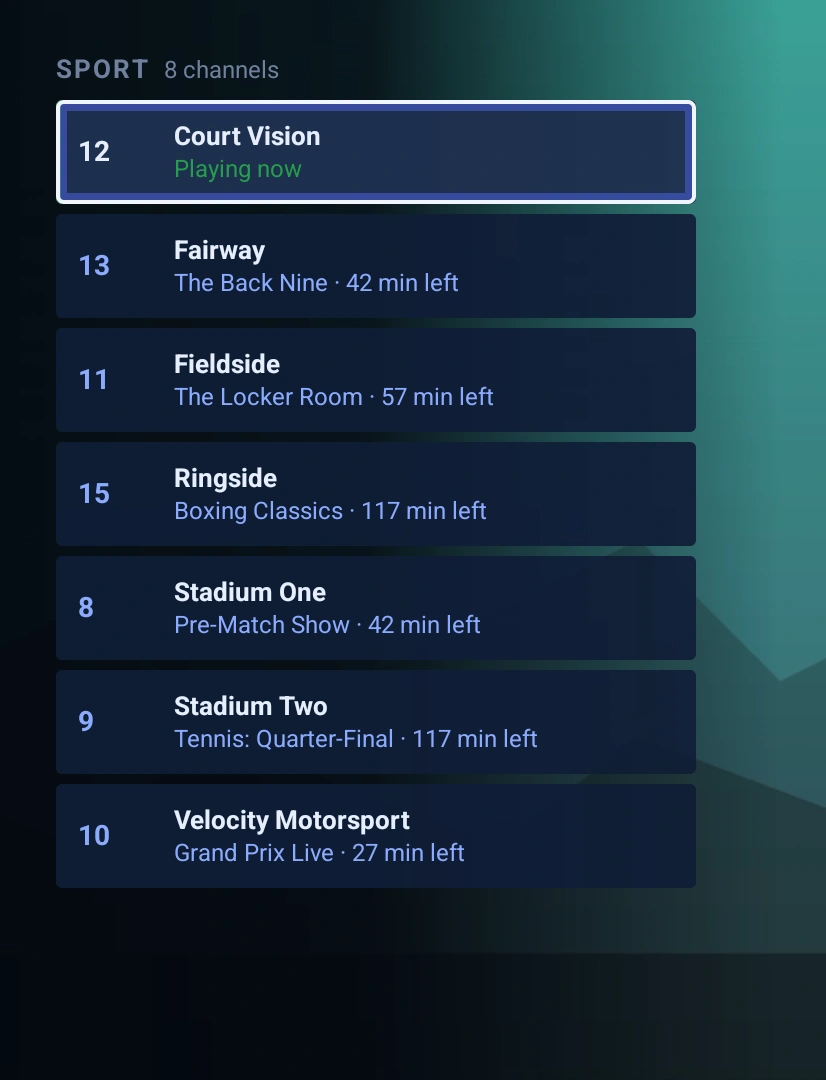
    Up and down switch channel. Left opens the mini guide with what's on everywhere else.
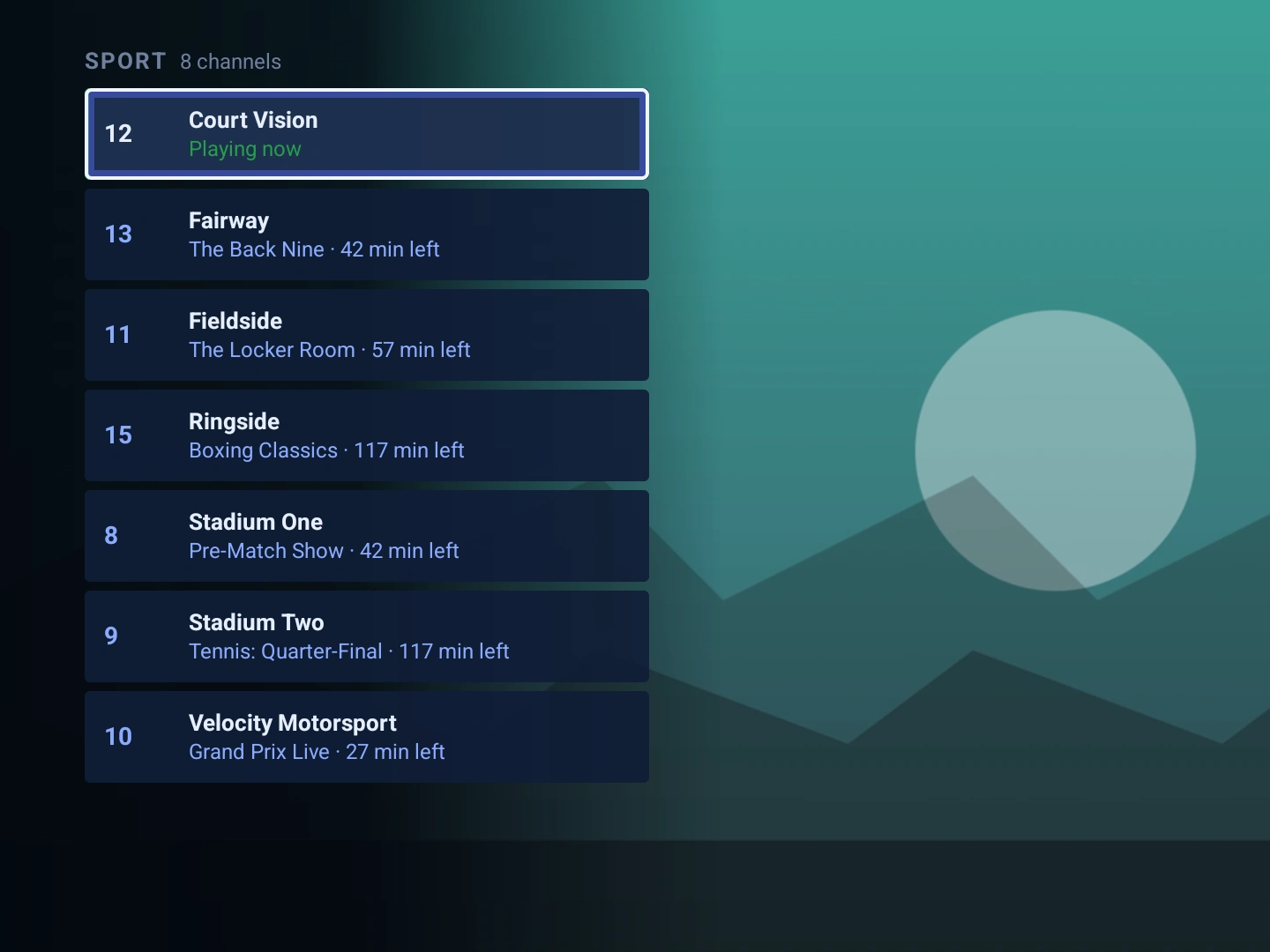
    The mini guide over a playing channel, listing the Sport channels
  4. A profile for everyone at home

    Who's watching? with a picture each. You set up the kids' accounts and their PIN.
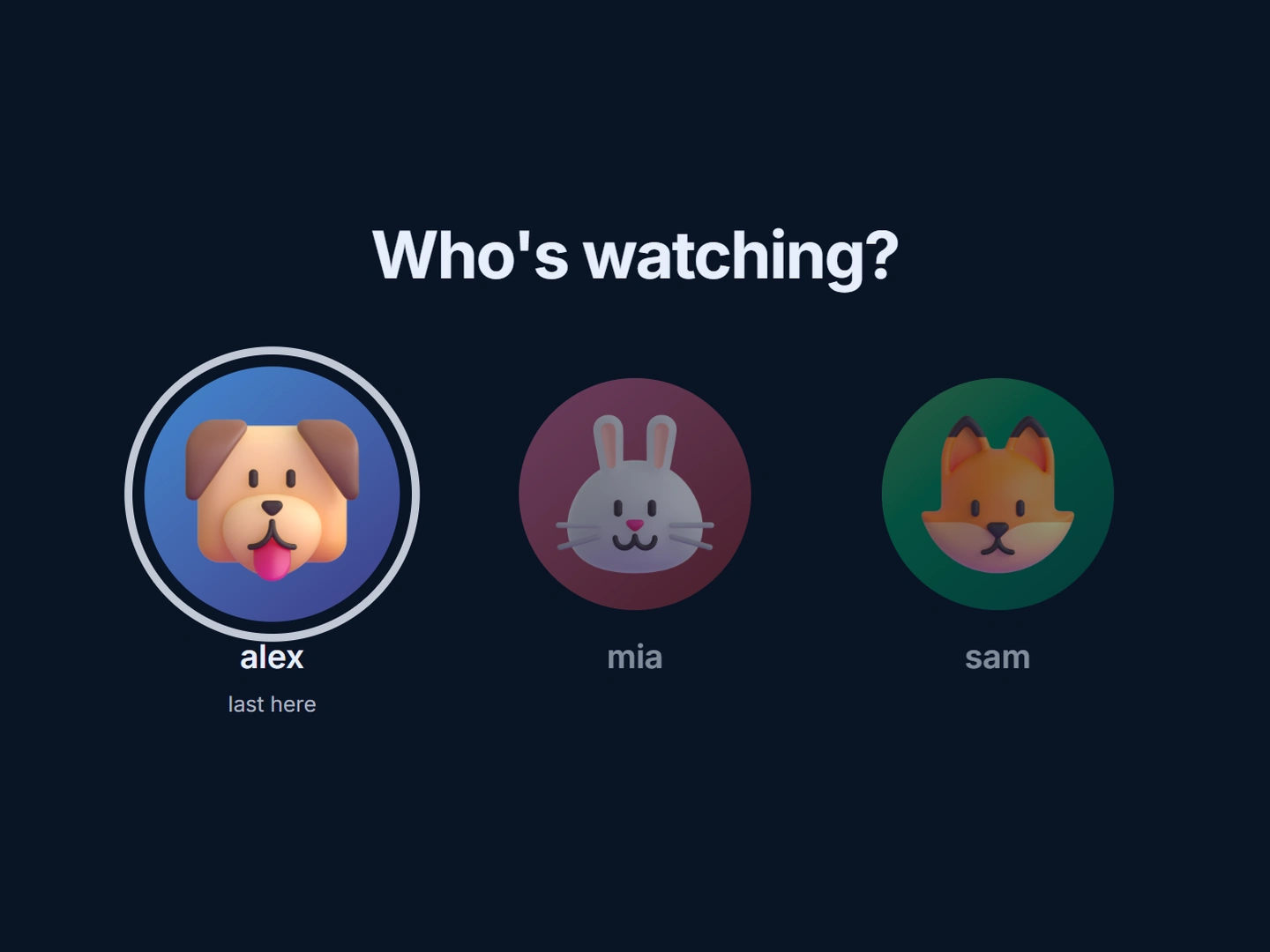
    Who's watching? with three profiles, each with an animal picture

What's included, and what needs a key

Most of Tvinto works the moment you add your provider. A few extras need your own server or a free key.
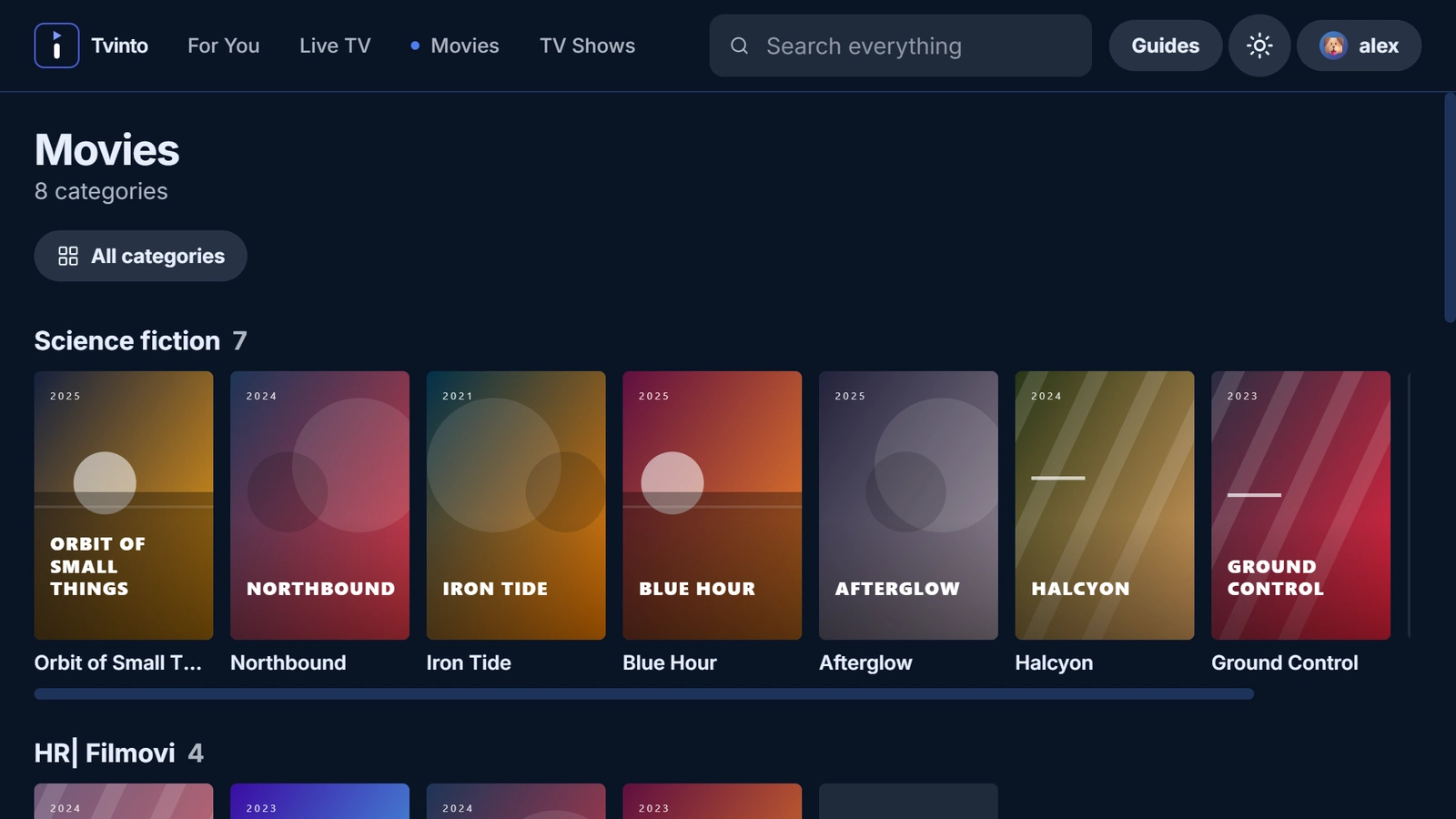
Movies on Windows, each category in a row of posters

In the app straight away

  • Live TV, guides and catch-up
  • Films and series, copies grouped
  • Favourites, search and PIN locks
  • Several providers and M3U playlists
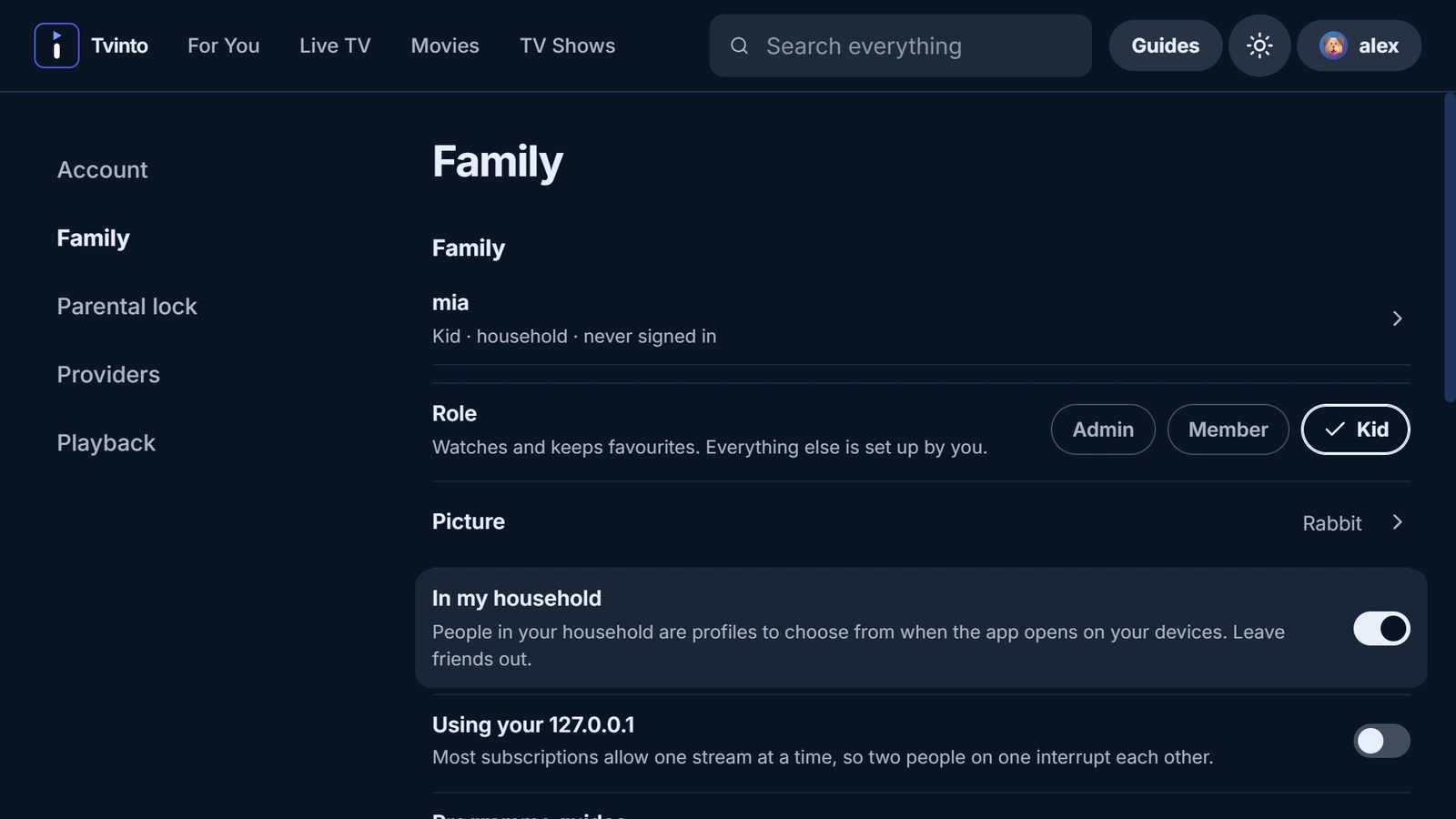
Family settings with a kid profile chosen

With your own server

  • Sync between TV, phone and PC
  • Family profiles and invites
  • Subtitles saved for every device
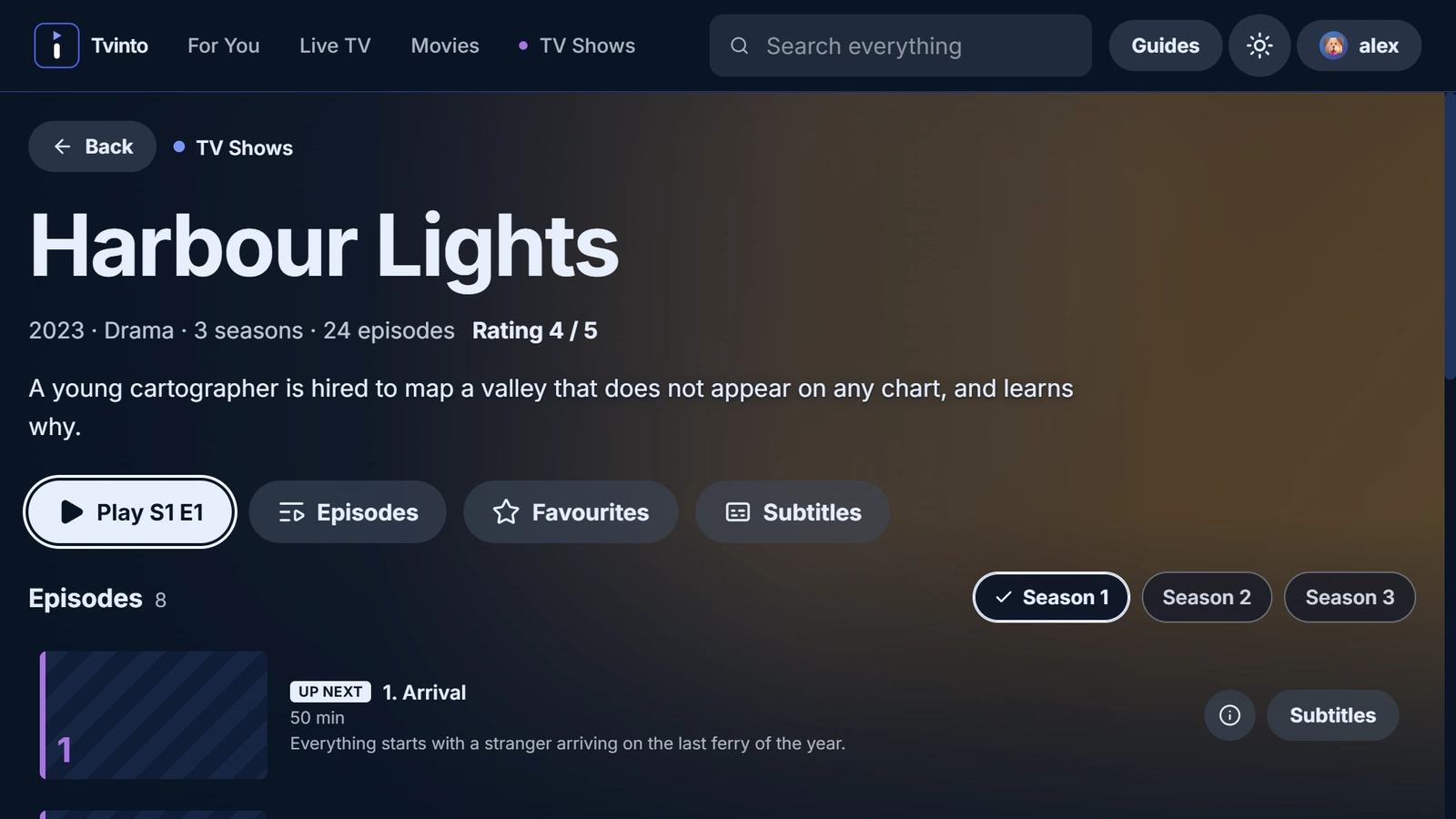
A show page with its description, rating and Subtitles button

Film details and subtitles with free keys

  • TMDB descriptions in your language, and trailers
  • Popular this week and age-rating locks
  • Subtitles from OpenSubtitles

Your own sync server on Cloudflare

Deploy it to your free Cloudflare account. Logins are encrypted on your devices, so the server can't read them.

  1. Press Deploy to Cloudflare
  2. Enter its address in the app
  3. Invite your household
Set up your server

Settings from the terminal

The tvinto command changes what the app can: categories, sorting, guide matches, the player. It also runs as an MCP server for AI agents like Claude.

Every change shows first with a code and only happens when you apply it.

Install it with npm i -g tvinto, or run it once with npx tvinto. It needs Node.js 20 or newer.

Read the CLI guide
tvinto bash
~$tvinto hide live 12 15
2 of 2 categories
Shoppinglivehides
Radiolivehides
Changednothing yet
To do thistvinto apply K7P2
Previewfor five minutes
~$